API Keys
Create personal access tokens for programmatic API access and MCP integrations.
API keys (personal access tokens) let you authenticate against the Wikis API without a session cookie — essential for MCP integrations, CI/CD pipelines, and any programmatic use.
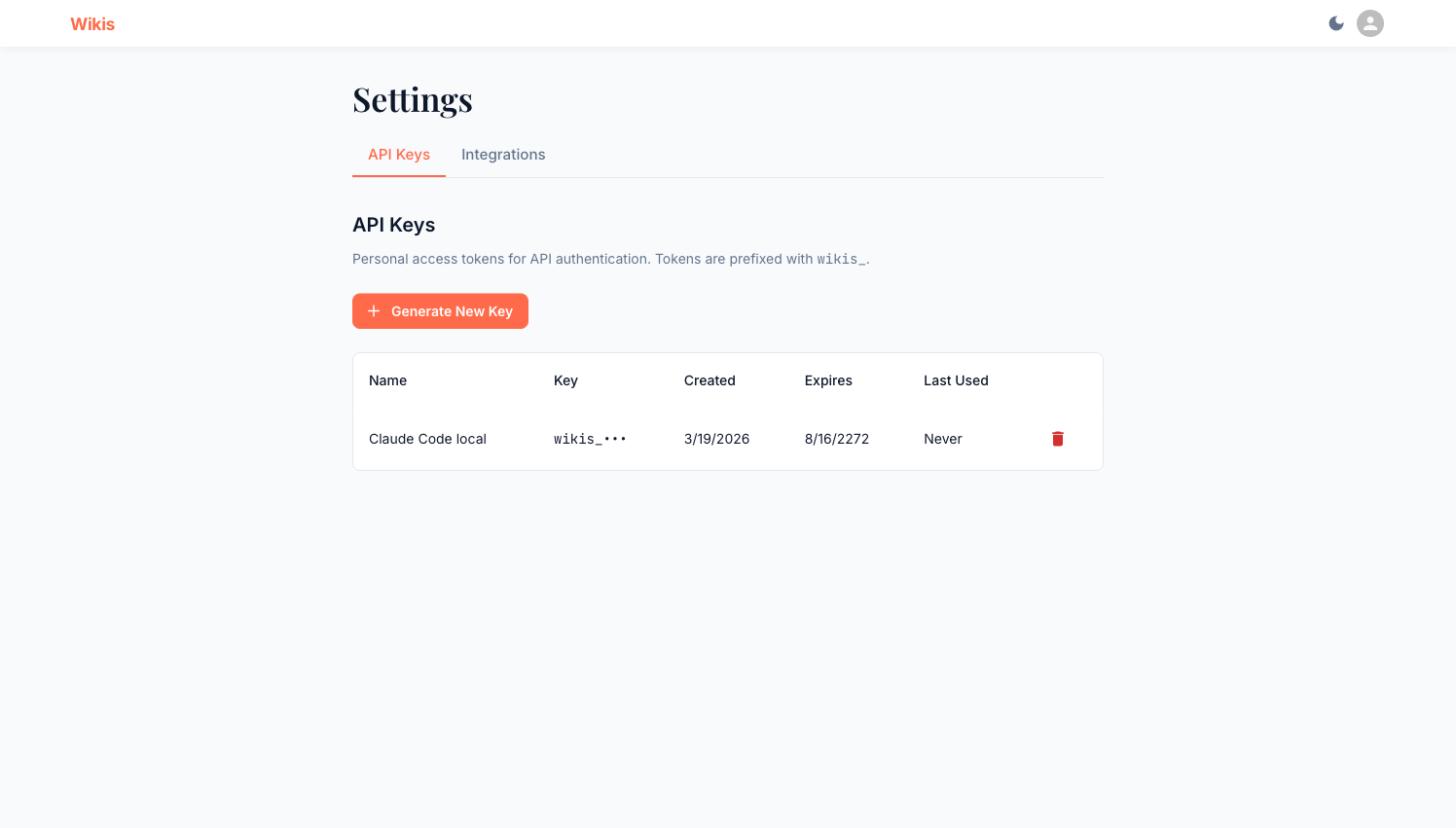
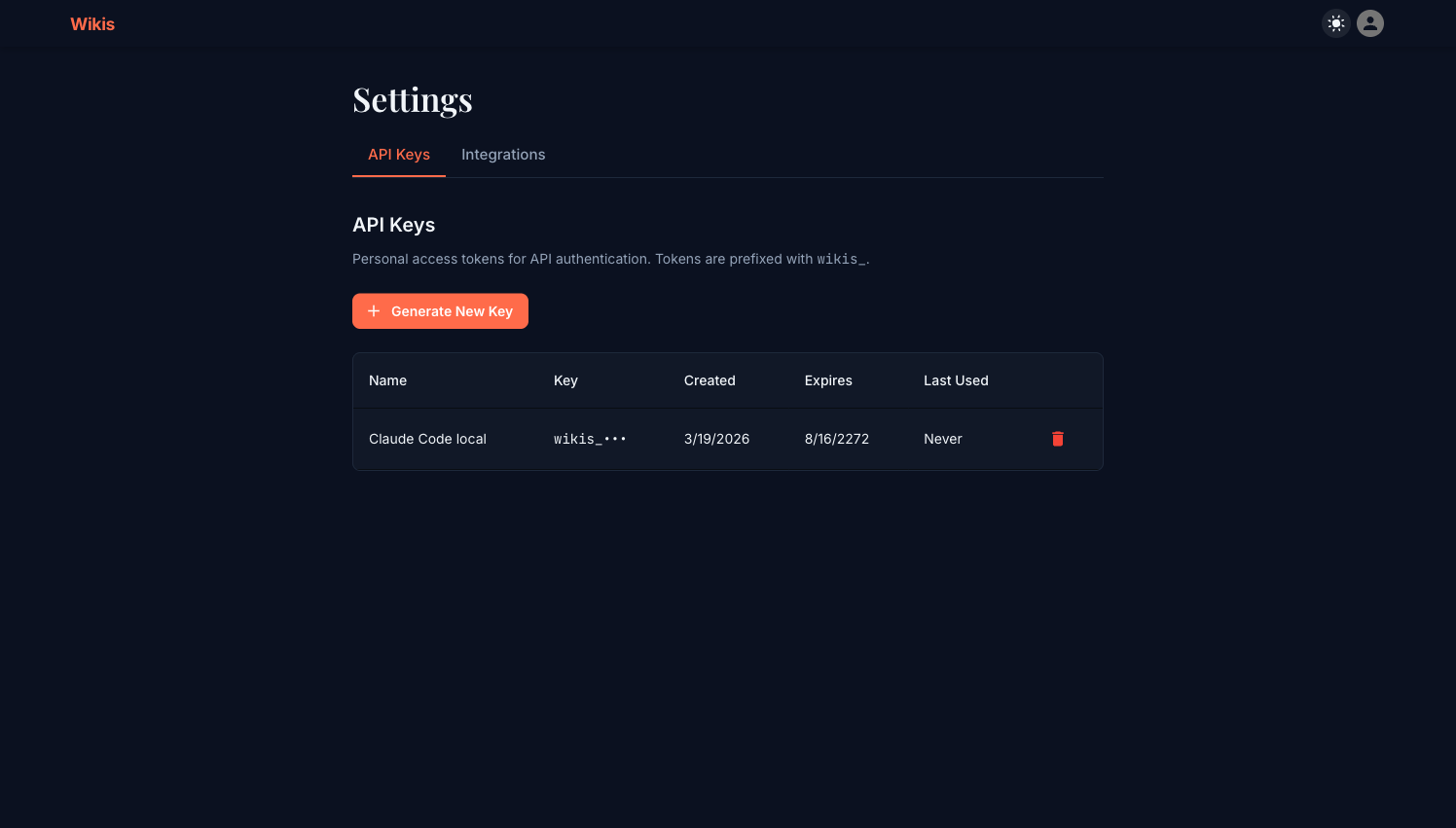
Navigating to API Keys
Click the user avatar in the top-right corner → Settings → API Keys tab.
Creating a key
- Click + Generate New Key
- Optionally give the key a descriptive name (e.g.
Claude Code local,CI pipeline) - Click Generate
- Copy the full key immediately — it is displayed only once
The full key value is shown only at creation time. If you lose it, revoke the key and generate a new one. Wikis stores only a hashed version of the key.
Key format
All keys are prefixed with wikis_ for easy identification in config files and logs:
wikis_xxxxxxxxxxxxxxxxxxxxxxxxxxxxxxxxKey table columns
| Column | Description |
|---|---|
| Name | The label you gave the key (editable) |
| Key | Masked prefix (wikis_•••) |
| Created | Creation date |
| Expires | Expiry date — far-future by default (no expiry) |
| Last Used | When this key last made an authenticated request |
Using a key
Pass the key as a Bearer token in the Authorization header:
curl https://your-wikis-instance.com/api/v1/wikis \
  -H "Authorization: Bearer wikis_YOUR_KEY_HERE"
Or use it in an MCP config (see MCP Integration).
Revoking a key
Click the red trash (🗑) icon on any key row. Revocation is immediate — requests using that key will return 401 Unauthorized.
Security best practices
Create one key per integration (e.g. one for Claude Code, one for your CI pipeline). This way you can revoke a compromised key without affecting other tools.
Name keys clearly so you know where each one is used: Claude Code - MacBook, GitHub Actions, Cursor - Work laptop.