Asking Questions
Use the Ask bar to query your codebase with Fast Q&A or Deep Research.
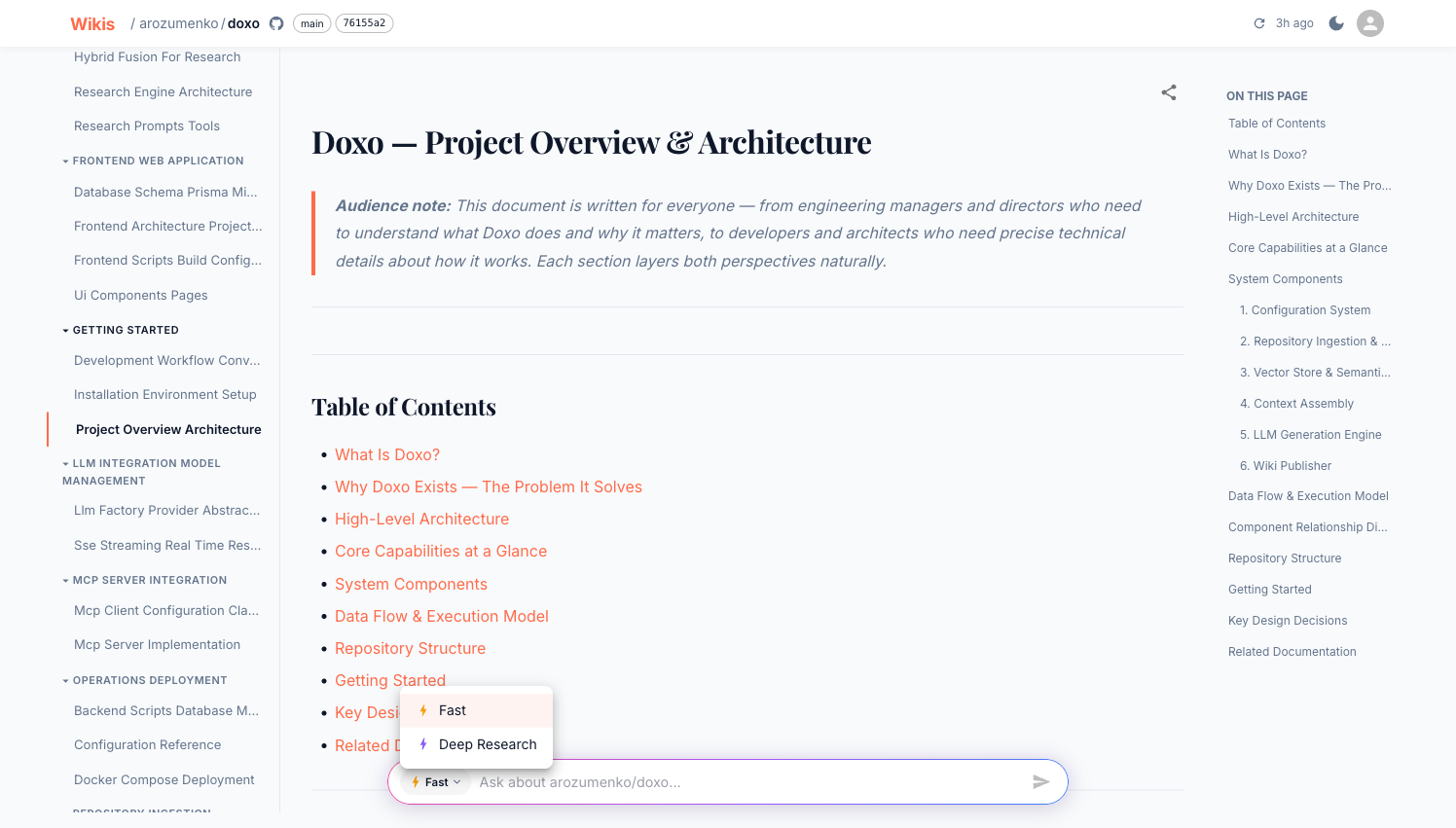
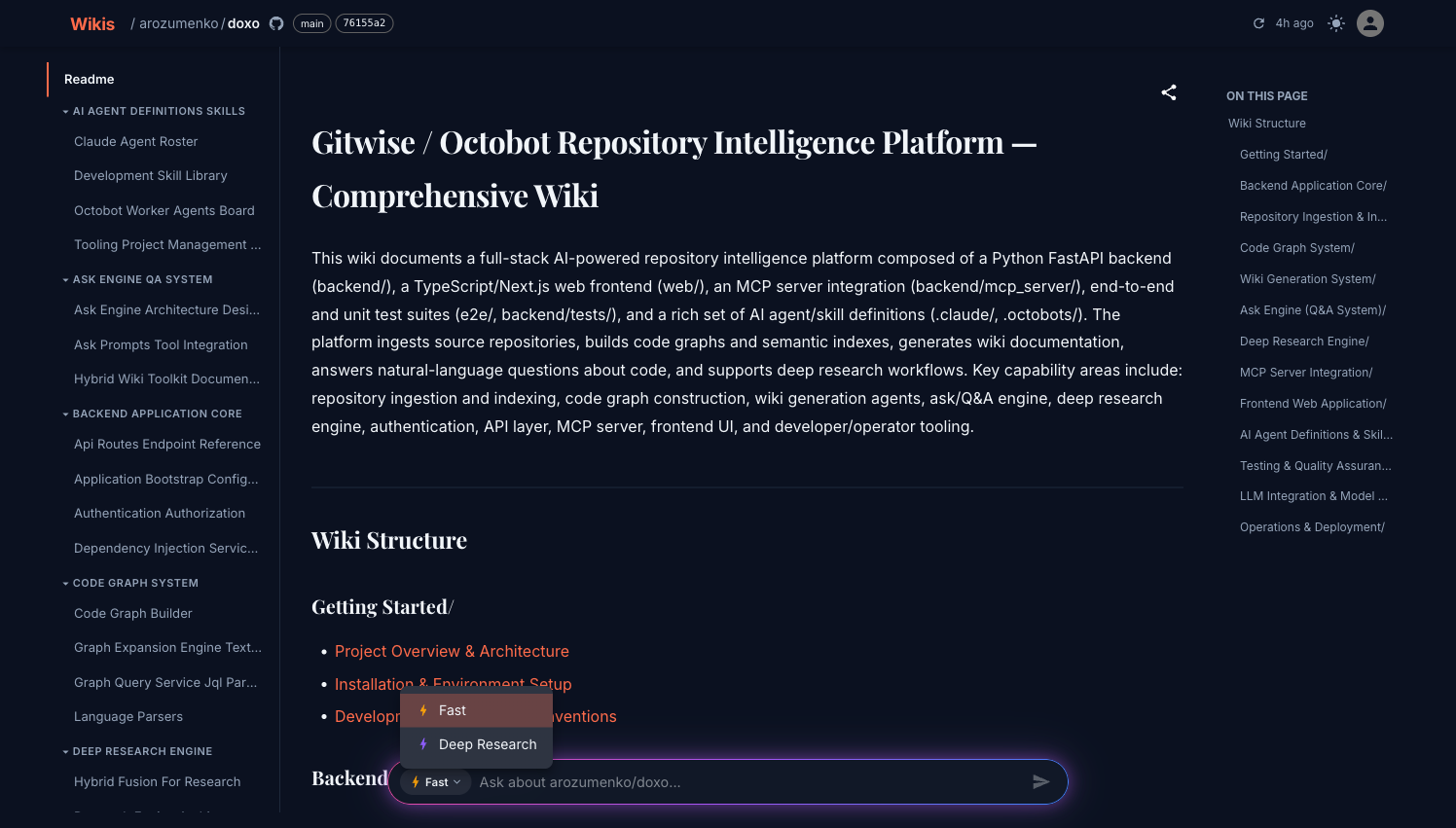
Every wiki has an Ask bar pinned to the bottom of the viewer. Type any question about the codebase and press Enter.
Two modes
Click the ⚡ Fast ▾ button to choose a mode:
⚡ Fast
Single-shot retrieval-augmented generation. Searches the FAISS + BM25 index, assembles the most relevant code context, and asks the LLM in one pass.
Best for: direct questions with a clear answer — "What does the WikiService class do?", "Which files handle authentication?"
Typical response time: 5–15 seconds
🔬 Deep Research
Multi-step research agent. Plans a research strategy, runs multiple tool calls (file search, symbol lookup, code graph queries), synthesises findings, and writes a thorough answer.
Best for: complex architectural questions — "How does the wiki generation pipeline work end to end?", "What are all the side effects of deleting a wiki?"
Typical response time: 30–120 seconds
How Fast mode works
- Your question is embedded and searched against the vector index (dense retrieval)
- BM25 keyword search runs in parallel (sparse retrieval)
- Results are re-ranked and assembled into a context window
- The LLM generates an answer grounded in the code context
The answer appears streamed — text arrives progressively as the model writes it.
How Deep Research works
Deep Research runs an autonomous agent loop:
- Plan — the agent breaks the question into sub-questions
- Retrieve — each sub-question triggers targeted tool calls:
- File search
- Symbol lookup (functions, classes, interfaces)
- Architecture graph queries
- Code relationship traversal
- Synthesise — the agent combines findings into a comprehensive answer
The Tool Calls panel (right side, desktop only) shows every tool invocation in real time — tool name, input, output, and timestamp.
Tool calls panel
During Deep Research, the Tool Calls panel on the right side of the screen shows every tool invocation in real time. Each entry shows the tool name, its input parameters, the output, and a timestamp.
Source citations
Both modes show the source files that informed the answer:
- File path and line range
- Relevant code snippet
- Symbol name (function, class, or type)
- Relevance score
Click a source citation to see the exact code the answer was grounded in.
Tips for better answers
Be specific. Instead of "How does auth work?", try "How is the JWT token validated on incoming API requests?"
Use Deep Research for architecture questions. Questions like "What is the data flow for wiki generation?" benefit from the multi-step agent that can follow the code across many files.
Ask follow-up questions. Each question is independent — but you can reference terms from the previous answer to narrow down.
Example questions
What is the overall architecture of this project?
Which LLM providers are supported and how are they configured?
How does the SSE streaming work for wiki generation progress?
What happens when a wiki generation fails?
How are API keys validated?
What tree-sitter parsers are used and which languages do they support?