Dashboard
Find, manage, and navigate all your wikis from one place.
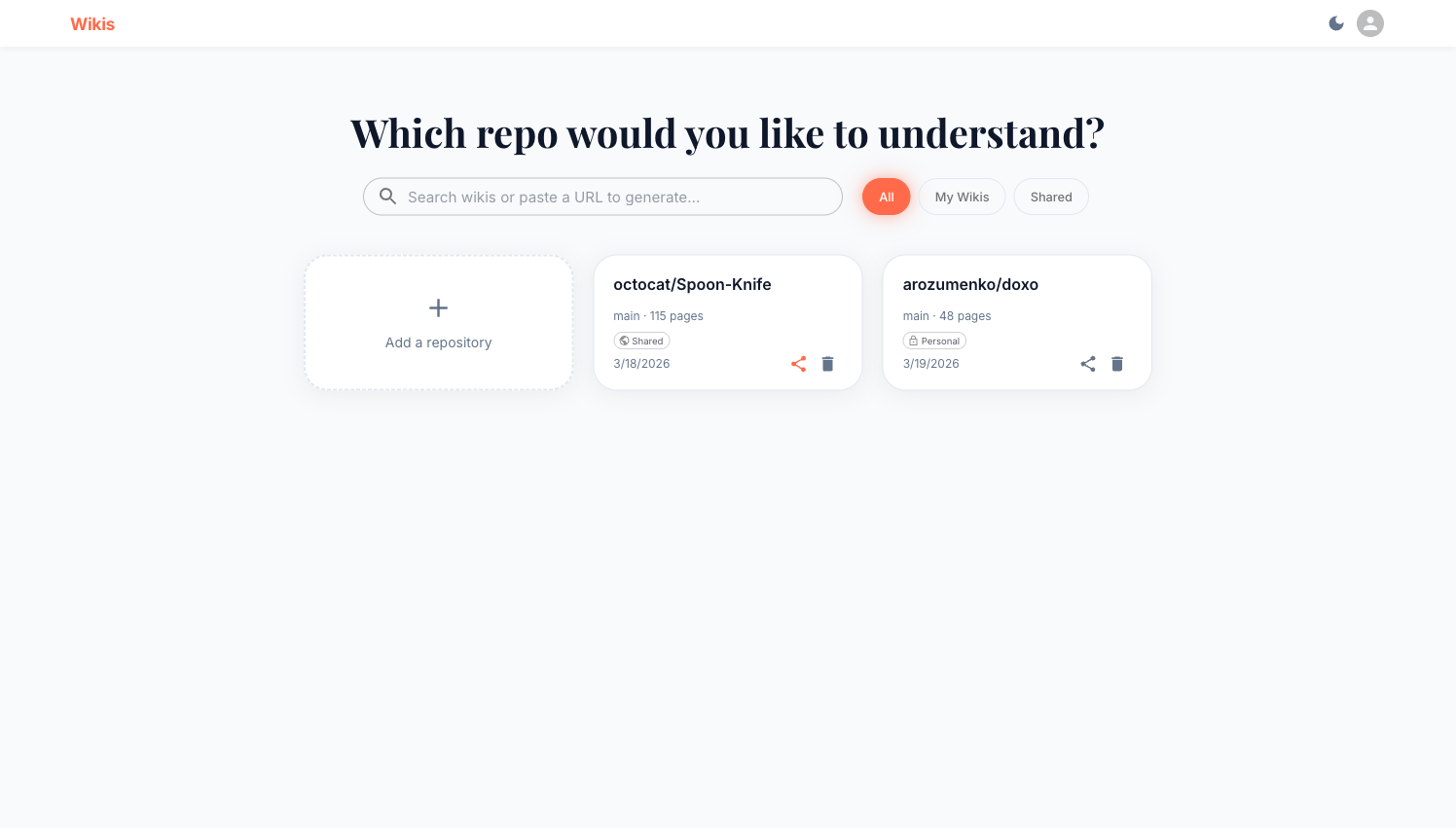
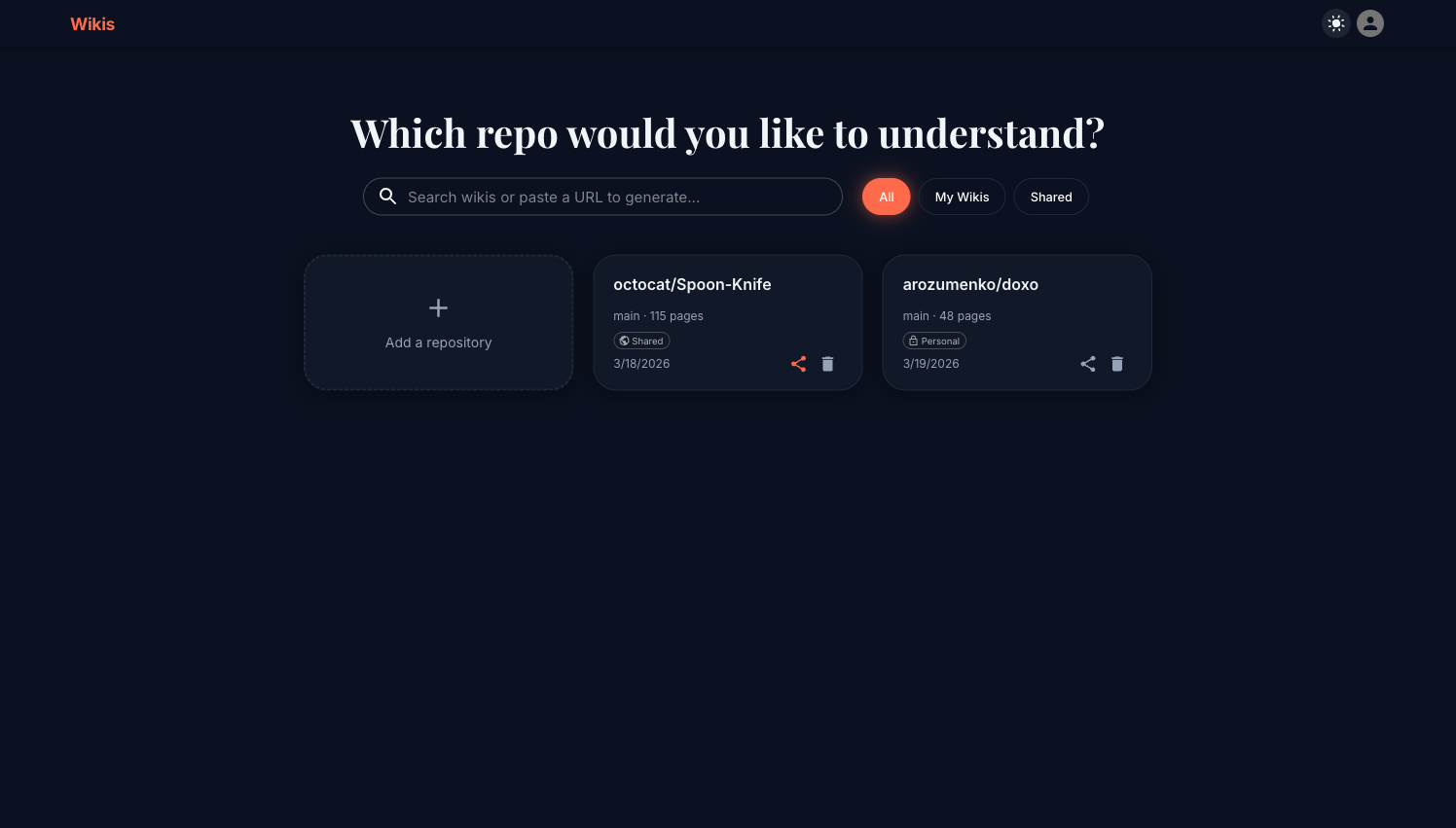
The dashboard is the home screen of Wikis. Every wiki you own or that has been shared with you appears here as a card.
Search and filter
The search bar at the top accepts:
- Repository names — type
octocatto findoctocat/Spoon-Knife - Repository URLs — paste a full GitHub URL to jump directly to a matching wiki, or trigger generation if it doesn't exist yet
Next to the search bar, three filter buttons narrow the list:
| Button | Shows |
|---|---|
| All | Every wiki you can see (yours + shared) |
| My Wikis | Only wikis you created |
| Shared | Only wikis shared by others |
Wiki cards
Each card shows:
- Repository name (
owner/repo) - Branch and page count
- Visibility badge —
Personal(lock icon) orShared(globe icon) - Creation date
- Status — generating wikis show a progress percentage; failed wikis appear in red with the error message
Card states
| State | Appearance | What to do |
|---|---|---|
| Complete | Normal card | Click to open |
| Generating | Progress bar + % | Wait — auto-refreshes every 10 s |
| Failed | Red card with error | Click Refresh (↺) to retry |
| Partial | Normal card | Some pages may be missing |
Card actions
Hover over a card to reveal action icons in the bottom-right corner:
- Share / Make private — toggle between
SharedandPersonalvisibility (owner only) - Delete — permanently remove the wiki (owner only, requires confirmation)
To refresh a failed wiki, open the wiki viewer and click the ↺ button in the header.
Adding a new wiki
Click the + Add a repository card (top-left of the grid) to open the Generate Wiki dialog. See Generating a Wiki for full details.
You can also paste a repository URL directly into the search bar. If no matching wiki exists, Wikis will offer to generate one.