Generating a Wiki
Step-by-step guide to turning any repository into a browsable wiki.
The Generate Wiki dialog
Click + Add a repository on the dashboard to open the dialog.
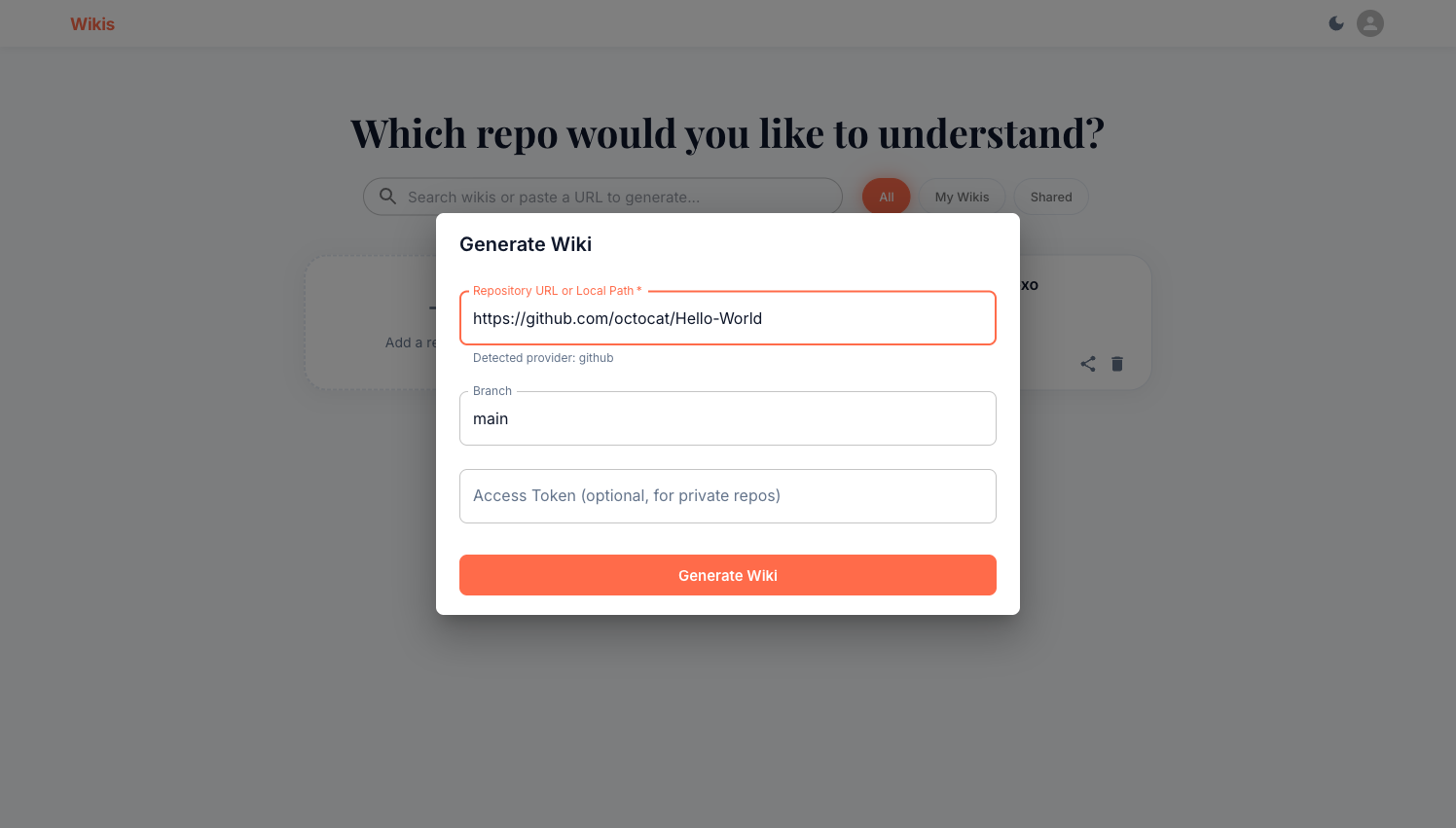
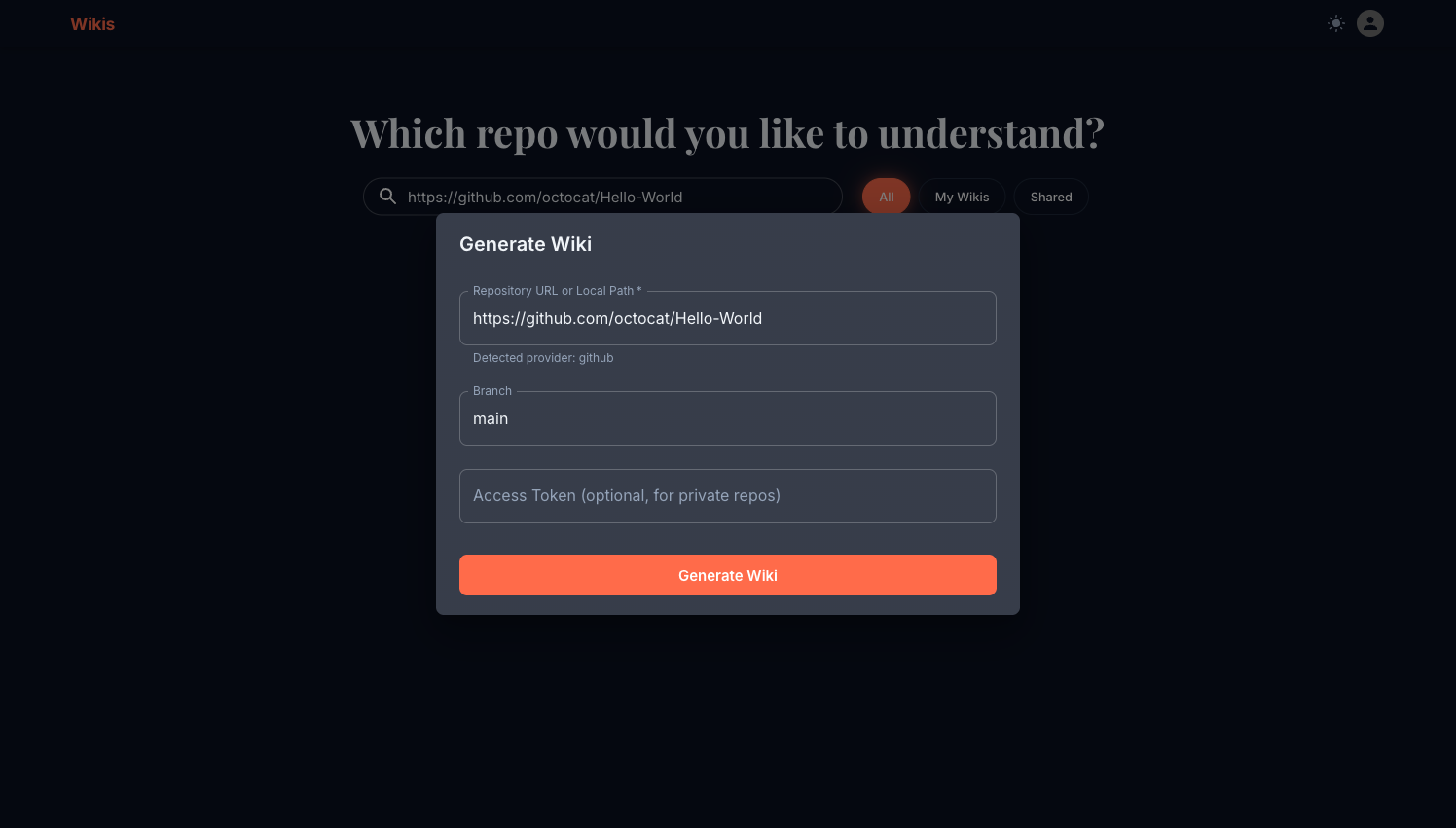
Repository URL or Local Path
Paste any of the following:
https://github.com/owner/repoWikis auto-detects GitHub from the URL and shows Detected provider: github below the field.
https://gitlab.com/owner/repoSelf-hosted GitLab instances work too — use the full hostname.
https://bitbucket.org/owner/repohttps://dev.azure.com/org/project/_git/repo/home/user/my-projectThe path must be listed in ALLOWED_LOCAL_PATHS in your server's .env. See Self-hosting.
Branch
Defaults to main. Change this to any branch name, e.g. develop or release/2.0.
Access Token (private repos)
Leave blank for public repositories. For private repos, provide a personal access token:
| Provider | Token format | Where to create |
|---|---|---|
| GitHub | ghp_… | Settings → Developer settings → Personal access tokens |
| GitLab | glpat-… | User Settings → Access Tokens |
| Bitbucket | Username + app password | Account settings → App passwords |
| Azure DevOps | Any PAT with Code (read) scope | User settings → Personal access tokens |
Tokens are used only to clone the repository and are not stored permanently. If generation fails with an authentication error, you will be prompted to enter the token again.
What happens during generation
After you click Generate Wiki, you are taken to the wiki viewer. A progress stepper shows four phases:
| Phase | What's happening |
|---|---|
| Clone & Index | Repository is cloned; files are parsed with tree-sitter (14+ languages) and embedded into FAISS + BM25 indexes |
| Plan | An LLM creates the wiki outline — sections, page titles, and descriptions |
| Generate | LangGraph agents write each page in parallel, grounded in the indexed code |
| Finalize | Quality checks, diagram sanitisation, and artifact storage |
The Activity Log below the stepper shows real-time detail — page names as they are written, retrieval operations, quality checks.
Generation options
The Generate Wiki dialog intentionally keeps the form minimal. Advanced options (custom title, visibility, model overrides, force re-index) are available via the REST API for programmatic workflows.
Re-generating a wiki
If a wiki is in failed or partial state, open it and click the ↺ Refresh button in the header. If the original error was an authentication failure, a dialog will ask for an updated access token before retrying.
Re-generating replaces all existing pages. The wiki is unavailable during regeneration.
Generation time estimates
Generation time depends on:
- Repository size — number of files and lines of code
- LLM provider speed — GPT-4o-mini is faster than GPT-4; local Ollama models vary
- Concurrency — the backend runs page generation in parallel
A typical 100-file repo takes 3–8 minutes on OpenAI GPT-4o. Very large repos (1000+ files) may take 20–30 minutes.