MCP Integration
Connect Claude Code, Cursor, Windsurf, or VS Code to Wikis via the Model Context Protocol.
Wikis exposes a Model Context Protocol (MCP) server that gives your AI coding tools live access to every indexed repository — search wikis, read pages, ask questions, and run deep research directly from your editor.
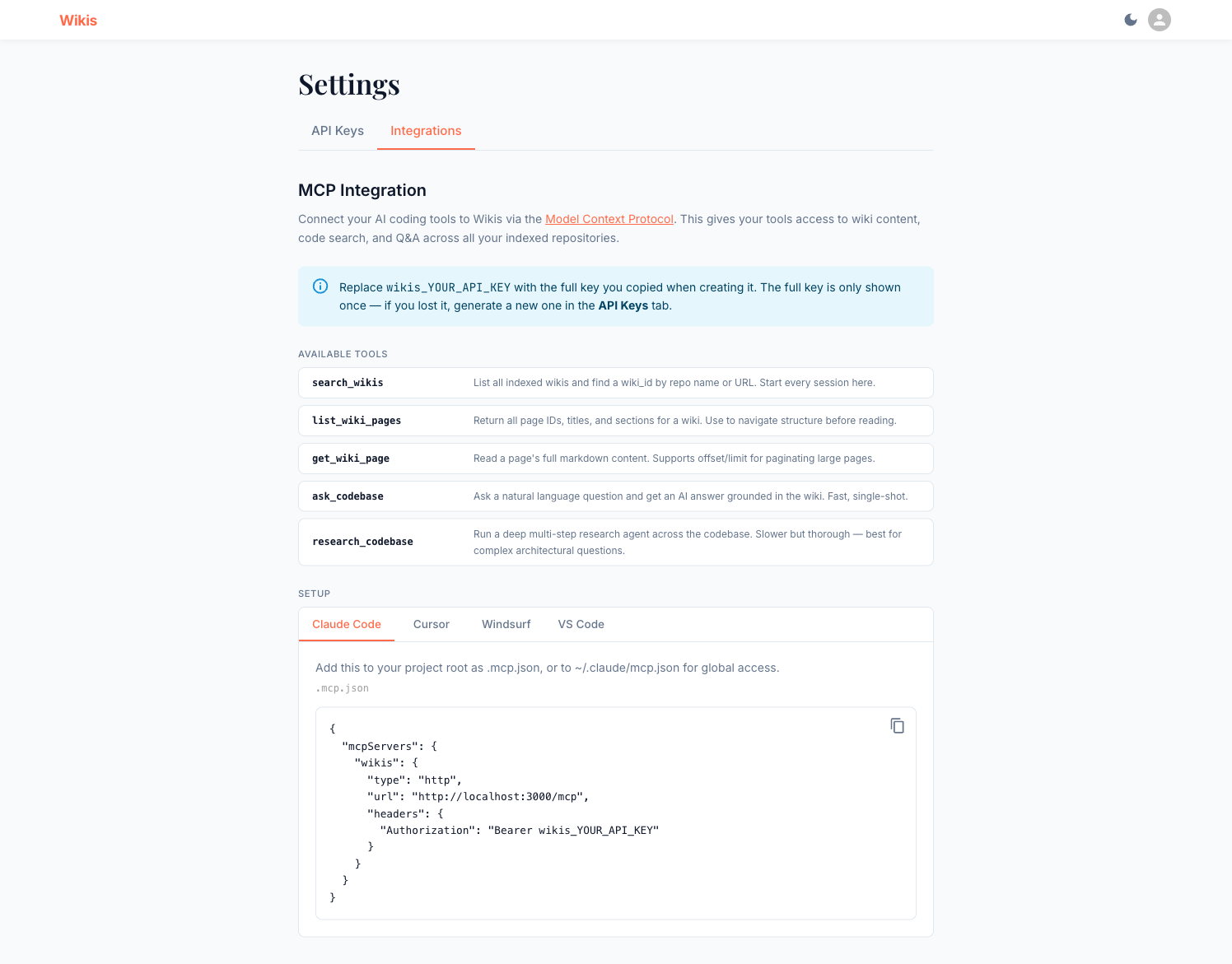
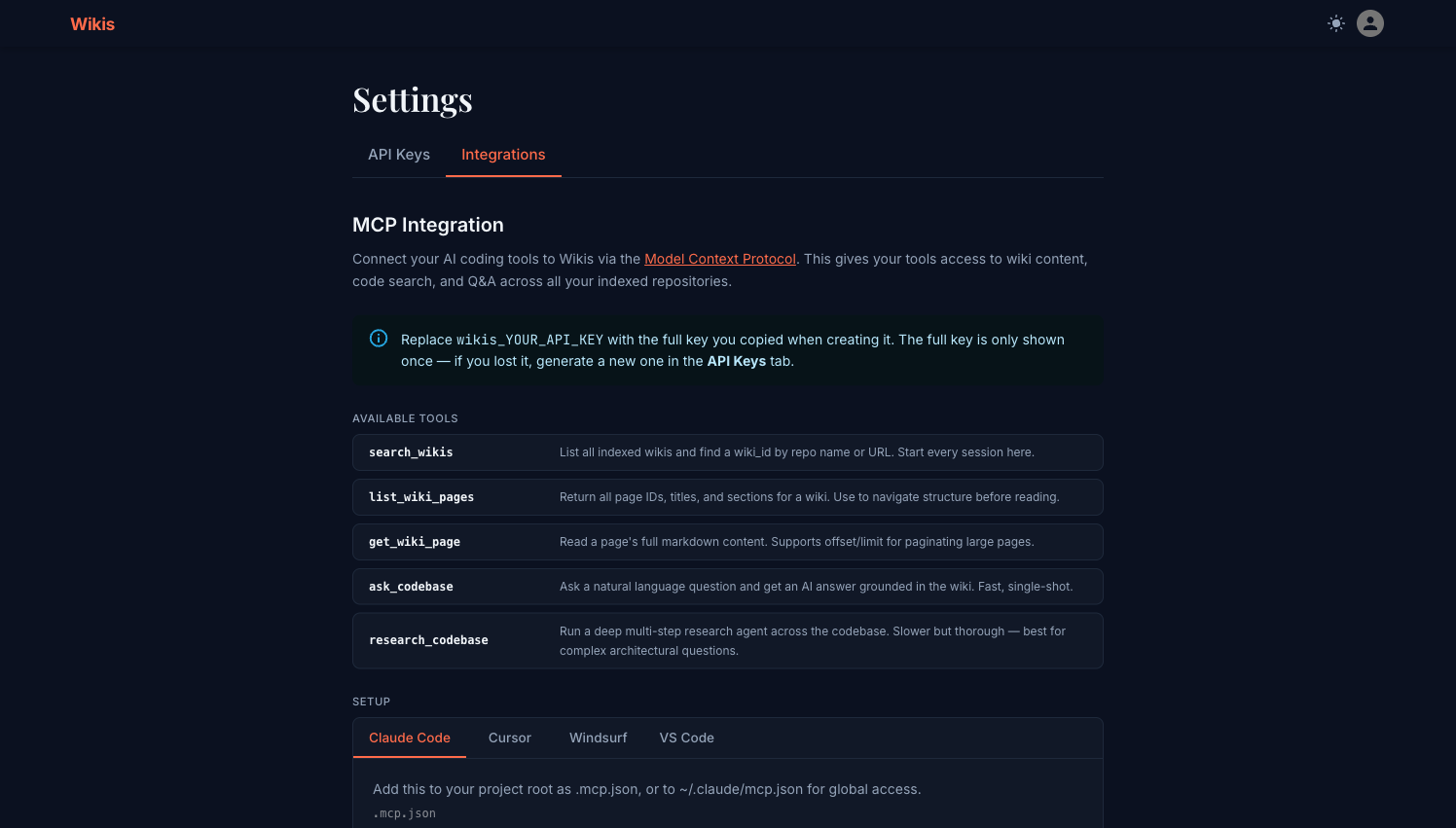
Available MCP tools
| Tool | Description |
|---|---|
search_wikis | List all indexed wikis; filter by repo name or URL. Start here to get a wiki_id. |
list_wiki_pages | Return all page IDs, titles, and sections for a wiki. |
get_wiki_page | Read a page's full Markdown content. Supports offset/limit pagination for large pages. |
ask_codebase | Ask a natural-language question — fast single-shot answer grounded in the wiki. |
research_codebase | Run a deep multi-step research agent. Best for complex architectural questions. |
Prerequisites
- A running Wikis instance (see Self-hosting)
- An API key — create one in Settings → API Keys
Setup by editor
Add to your project root as .mcp.json, or to ~/.claude/mcp.json for global access:
{
  "mcpServers": {
    "wikis": {
      "type": "http",
      "url": "http://localhost:3000/mcp",
      "headers": {
        "Authorization": "Bearer wikis_YOUR_API_KEY"
      }
    }
  }
}
Then restart Claude Code. The wikis server will appear in your MCP server list.
Go to Cursor Settings → MCP and add a new server:
{
  "mcpServers": {
    "wikis": {
      "url": "http://localhost:3000/mcp",
      "headers": {
        "Authorization": "Bearer wikis_YOUR_API_KEY"
      }
    }
  }
}
Edit ~/.codeium/windsurf/mcp_config.json:
{
  "mcpServers": {
    "wikis": {
      "serverUrl": "http://localhost:3000/mcp",
      "headers": {
        "Authorization": "Bearer wikis_YOUR_API_KEY"
      }
    }
  }
}
Install the MCP extension for VS Code, then add to your settings.json:
{
  "mcp.servers": {
    "wikis": {
      "url": "http://localhost:3000/mcp",
      "headers": {
        "Authorization": "Bearer wikis_YOUR_API_KEY"
      }
    }
  }
}
Replace http://localhost:3000 with your actual Wikis instance URL if it is hosted remotely.
Replace wikis_YOUR_API_KEY with the full key you copied when creating it. The full key is only shown once — if you lost it, generate a new one in the API Keys tab.
Using the MCP tools in Claude Code
Once connected, you can instruct Claude to use the Wikis tools:
Use the wikis MCP to find the wiki for arozumenko/wikis and explain how
the wiki generation pipeline works.
Claude will automatically call search_wikis, then research_codebase, and return a grounded answer from your actual codebase documentation.
Example workflow
User: What are all the API endpoints in this backend?

Claude: [calls search_wikis("wikis")]
        → wiki_id: 11bffb12f1d59a67

        [calls list_wiki_pages("11bffb12f1d59a67")]
        → finds "backend-application-core/api-routes-endpoint-reference"

        [calls get_wiki_page("11bffb12f1d59a67", "backend-application-core/api-routes-endpoint-reference")]
        → returns full page content

        Here are all the API endpoints...
Remote Wikis instances
If your Wikis instance is hosted on a server (not localhost), replace the URL in the MCP config:
"url": "https://wikis.yourcompany.com/mcp"HTTPS is strongly recommended for remote instances. See Self-hosting for TLS configuration.
Troubleshooting
| Error | Likely cause | Fix |
|---|---|---|
401 Unauthorized | Wrong or missing API key | Check the key in your MCP config matches a valid key in Settings → API Keys |
Connection refused | Wikis not running | Start the Wikis instance (docker compose up) |
MCP server not found | Config not picked up | Restart your editor after editing the config file |
| Tools not appearing | Wrong config file path | Check the editor-specific path above |