Quickstart
Generate your first wiki in under five minutes.
Prerequisites
- A running Wikis instance (see Self-hosting if you need to set one up)
- An account — default admin credentials are
admin@wikis.dev/changeme123(change these immediately after first login) - An LLM API key configured in your
.env(e.g.LLM_PROVIDER=openai+LLM_API_KEY=sk-…)
Steps
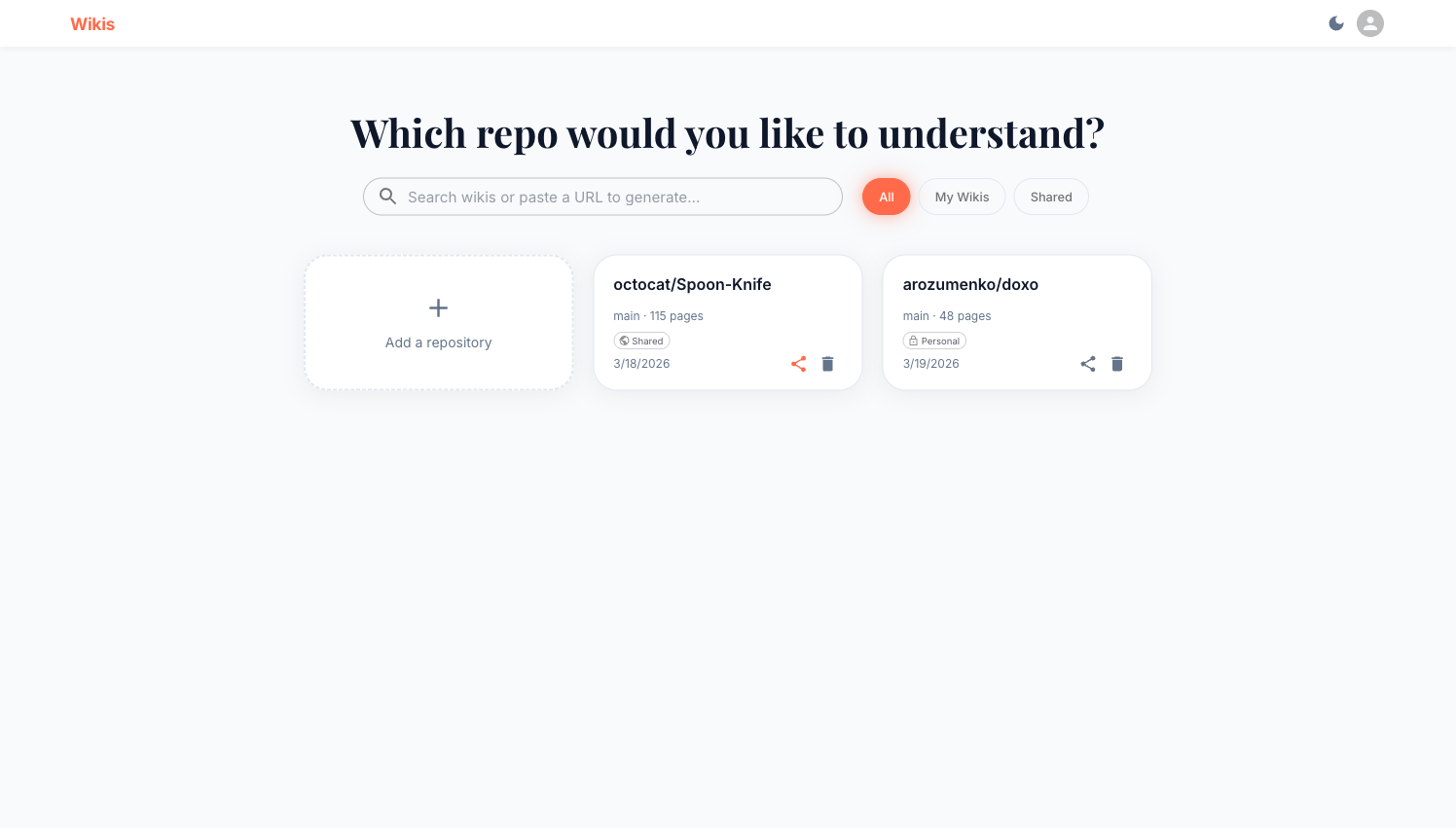
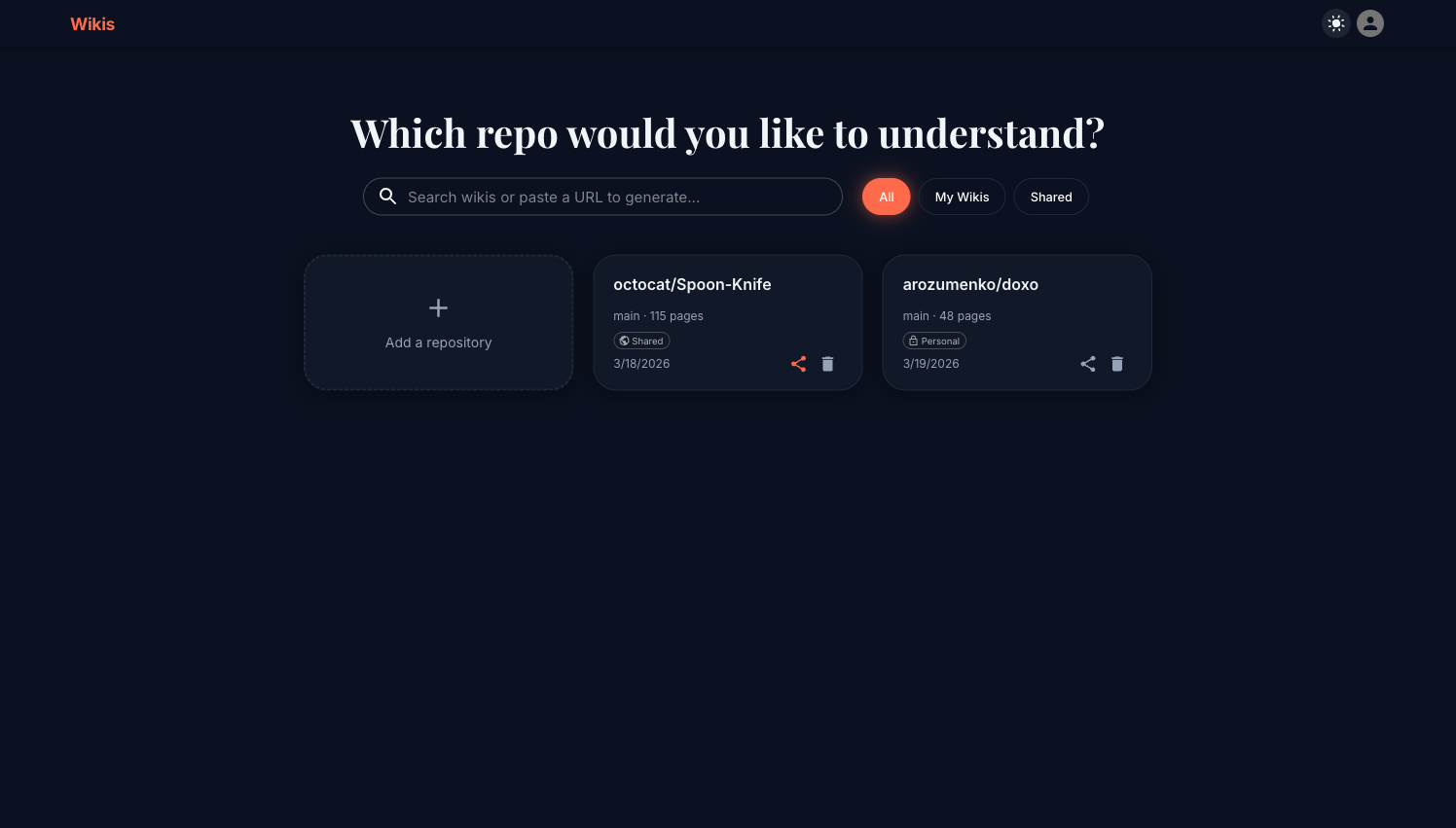
Navigate to your Wikis instance (default: http://localhost:3000). You will see the main dashboard with a search bar and any existing wikis.
Click the + Add a repository card. A dialog appears asking for:
- Repository URL or Local Path — paste any public repo URL, e.g.
https://github.com/octocat/Hello-World - Branch — defaults to
main - Access Token — only needed for private repositories
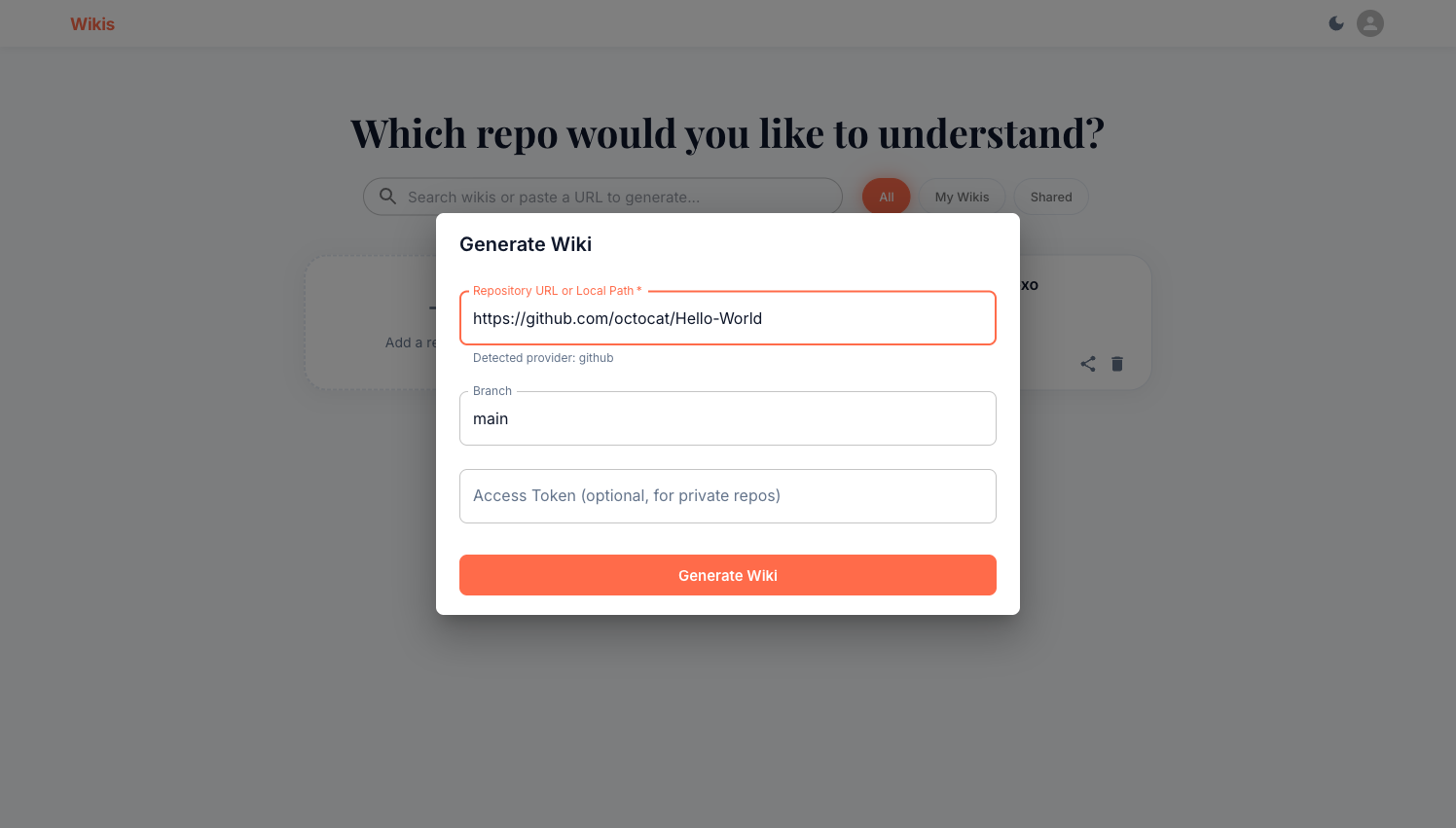
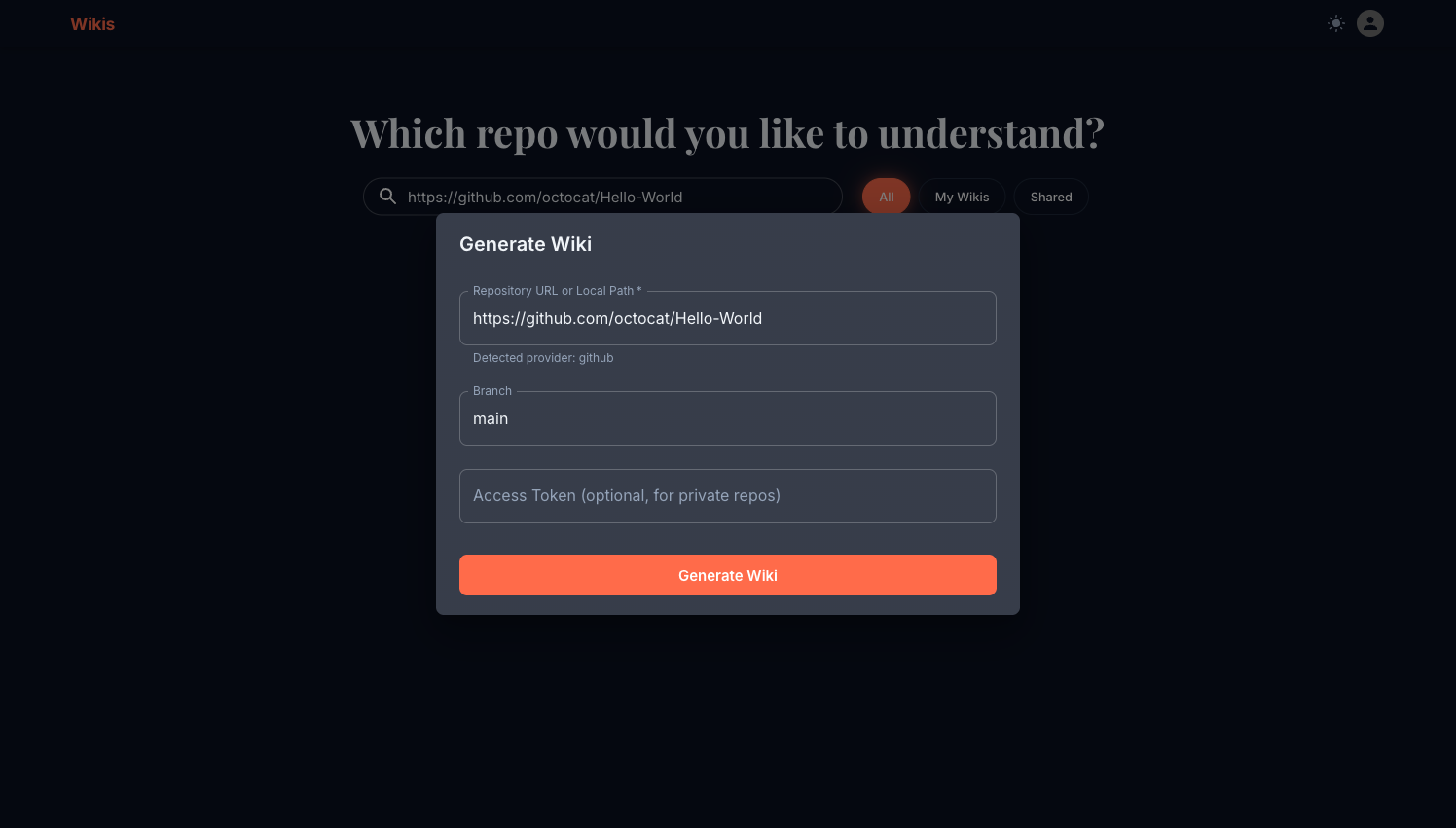
Wikis auto-detects the provider from the URL and shows a confirmation below the field.
Click the Generate Wiki button. Wikis will:
- Clone and index the repository
- Plan the wiki structure
- Write all pages in parallel
You are redirected to the wiki viewer where you can watch progress in real time. Generation typically takes 2–10 minutes depending on repository size and your LLM provider.
Once generation completes, browse pages in the left sidebar. Click any page to read its content. Use the On This Page panel on the right to jump between headings.
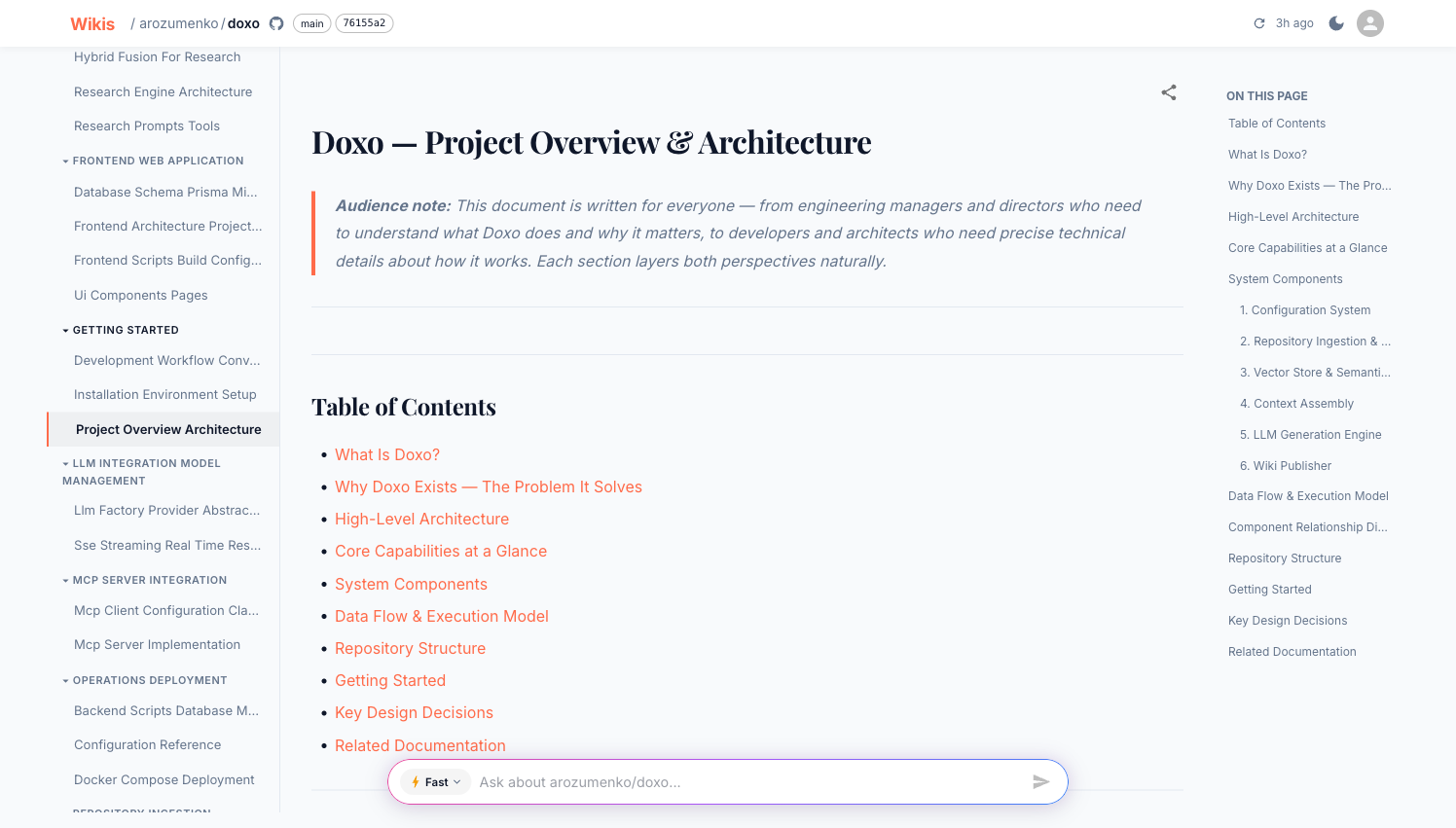
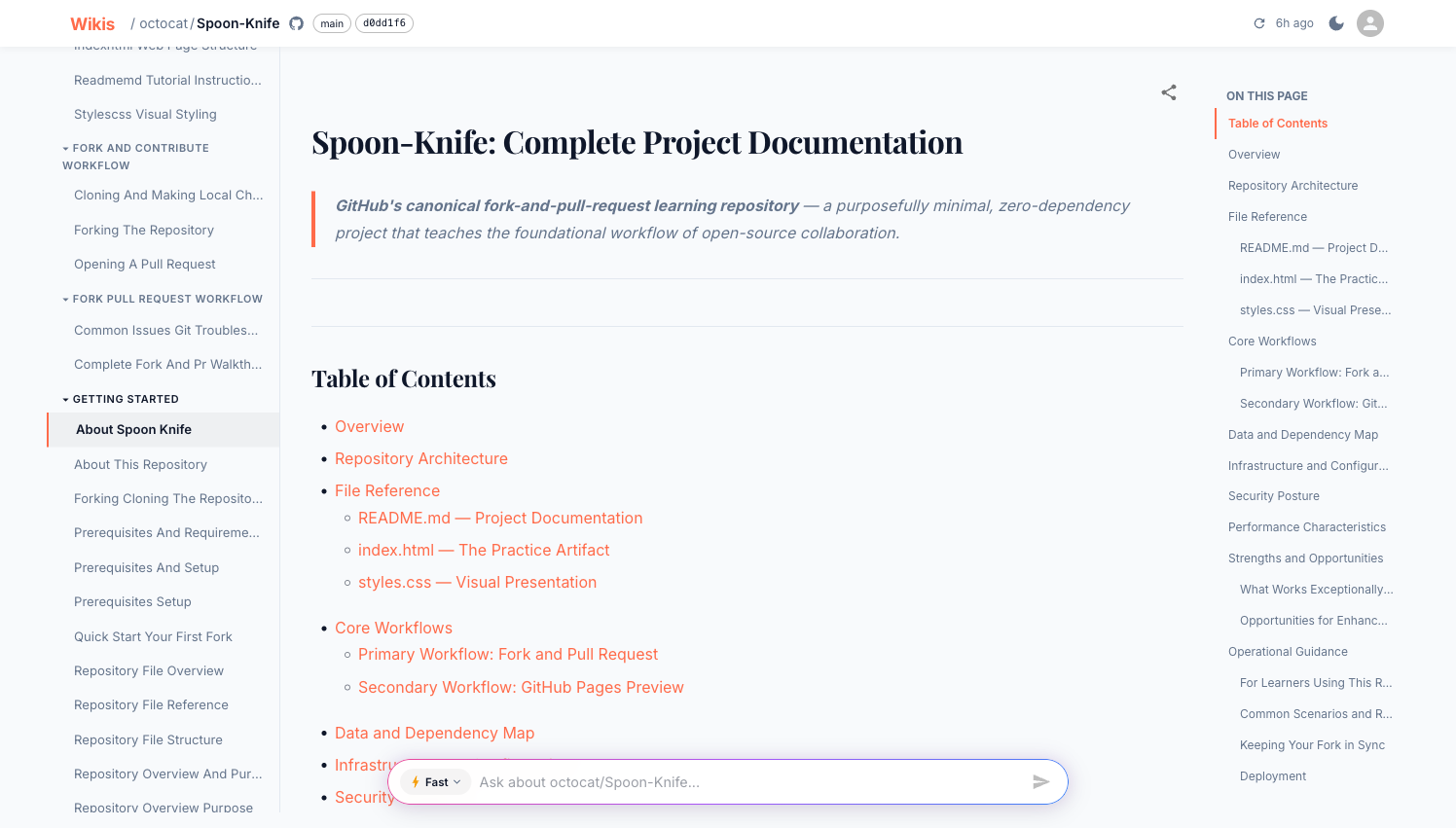
Type a question in the Ask bar at the bottom of the screen and press Enter. Wikis searches the indexed codebase and returns a grounded answer.
Try: "What is the overall architecture of this project?"
What's next?
Private repositories
Learn how to use access tokens for GitHub, GitLab, Bitbucket, and Azure DevOps.
Ask & Deep Research
Get the most out of the Q&A bar with Fast mode and Deep Research.
MCP integration
Connect your AI editor to browse all your wikis with natural language.
Share your wiki
Make a wiki visible to everyone on your team.